SAMP DM and TDM combat
Fight as part of a gang, defend your base, or take on Las Venturas alone if you prefer the lone-wolf approach.
Founded May 2018 · GTA San Andreas Multiplayer
Battle across Las Venturas in a fast-paced SA:MP deathmatch server with gangs, cops, vehicles, custom bases and fair team combat. Play solo, join a crew, or jump straight into SAMP DM and TDM action.
Custom SAMP gameplay
LV-GW is built from the ground up, giving every player access to the same commands and features while keeping the SAMP DM and TDM experience competitive, chaotic and fair.
Fight as part of a gang, defend your base, or take on Las Venturas alone if you prefer the lone-wolf approach.
Each team has its own base, vehicles and skins, giving this SAMP TDM server a distinct LV-GW identity.
No pay-to-win advantages. Everyone gets the same core features, commands and gameplay tools.
Why join LV-GW?
Designed for players who want a simple, action-focused SAMP server without pay-to-win perks or unnecessary clutter.
Quick start
Already have GTA: San Andreas and SA:MP installed? Add this SAMP server to your favourites and connect.
Open your San Andreas Multiplayer client on Windows.
Click add server and enter 5.181.187.196:7777.
Join the SAMP deathmatch server and choose your team.
Use the full install guide below in English or Spanish.
Install Guide
Follow the original LV-GW installation instructions, then add 5.181.187.196:7777 to your SA:MP favourites.
English
Look no further than our easy to follow guide!
Español
No busques más, ¡sigue nuestra sencilla guía!
Server screenshots
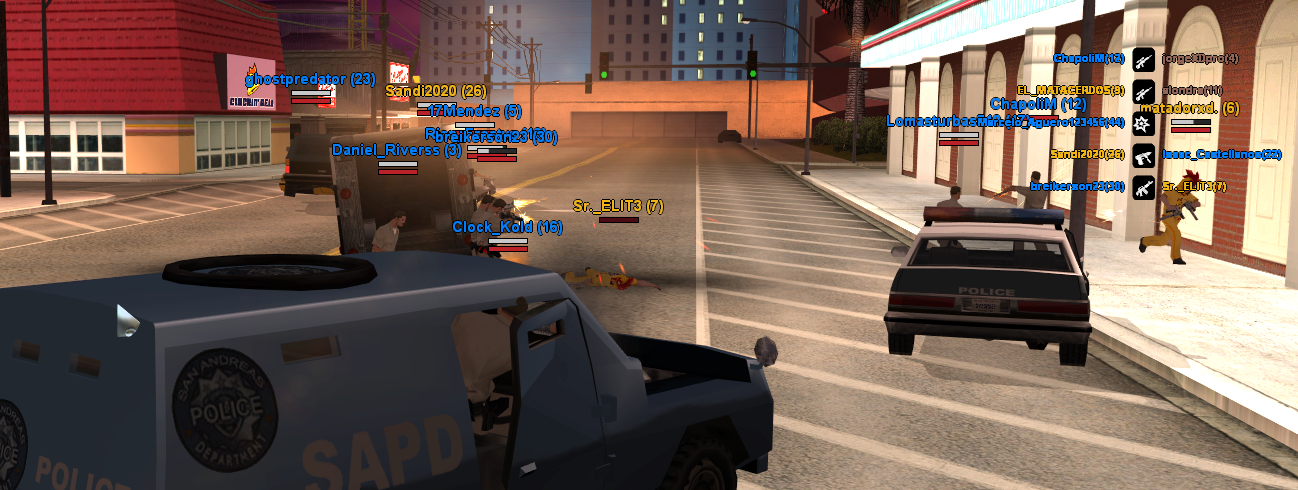
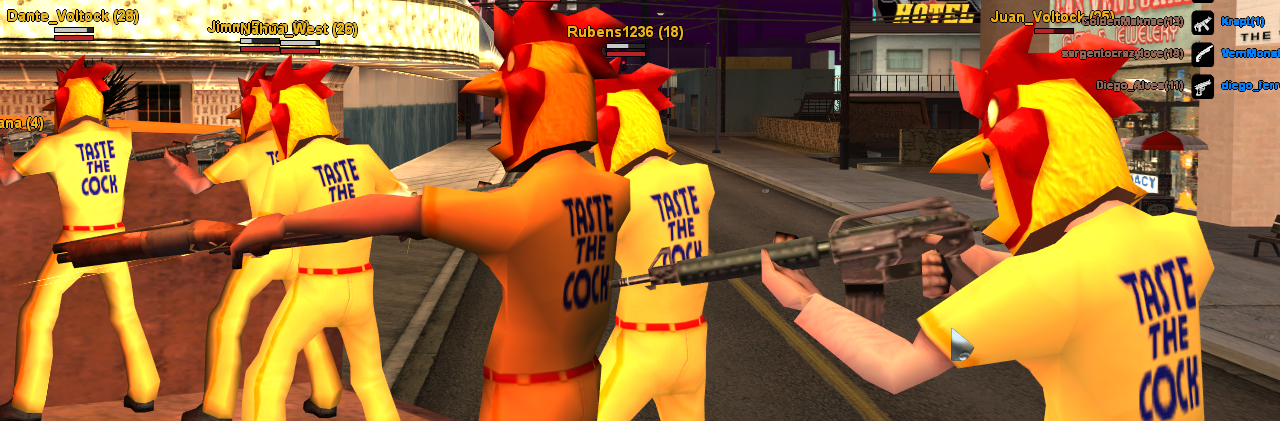
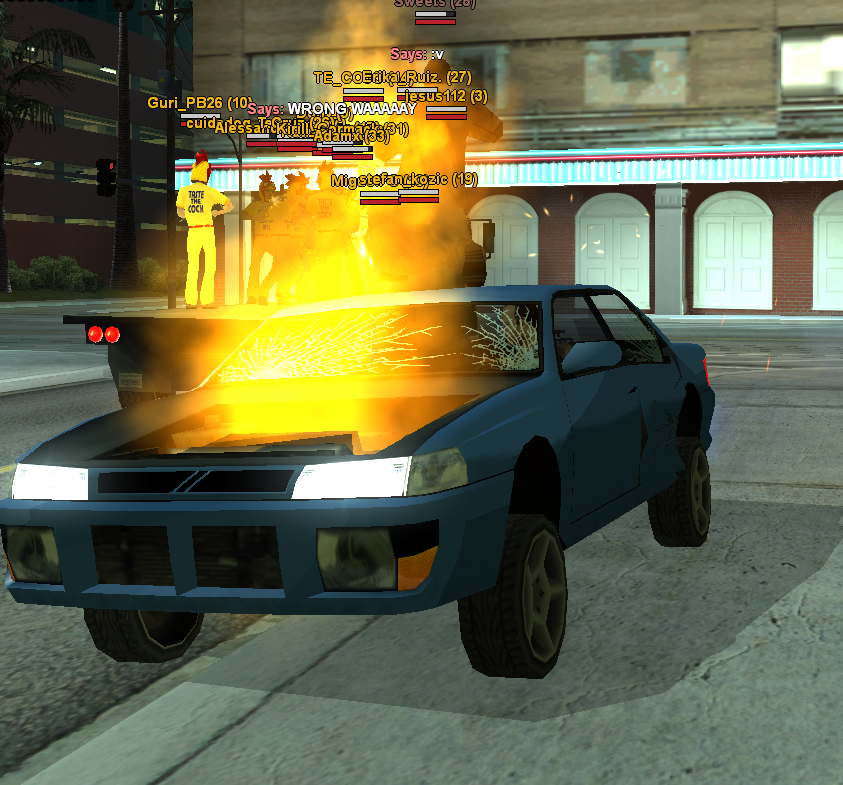
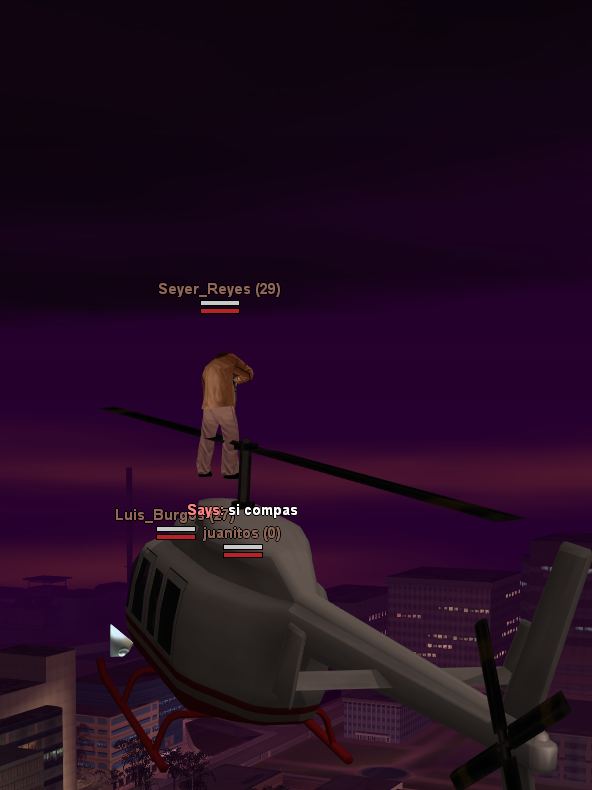
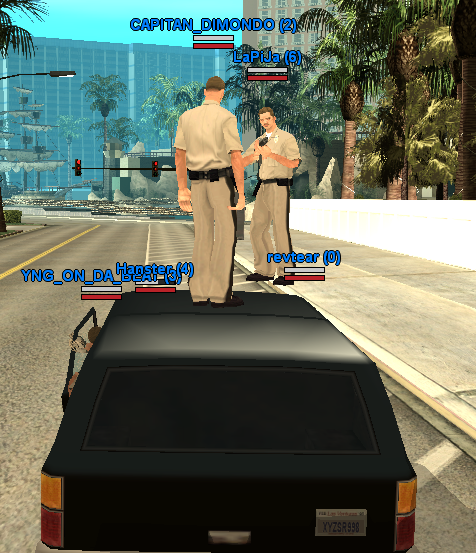
A look at the teams, vehicles and deathmatch chaos waiting inside Las Venturas Gang Wars.
FAQ
Quick answers for players searching for a SAMP server, SAMP DM server, SAMP TDM server or SAMP deathmatch community.
LV-GW is a SAMP server focused on SA:MP deathmatch, DM and TDM gameplay in Las Venturas.
Both. You can fight alone in deathmatch-style combat or battle alongside a gang in team-based TDM action.
Install GTA:SA and SA:MP, open the SA:MP client, add 5.181.187.196:7777 to your favourites and connect.
Connect directly through SA:MP, copy the server IP, or join Discord for server updates and community chat.